My Study student portal

Role Lead UX Designer & Researcher
The Team Student & Educational Affairs, Communication & Marketing Department, Development teams
Skills Stakeholder Management, Information Architecture, Interactive Prototyping, Visual Design, Customer journey, Flows definition

The 'My Study' student portal at VU Amsterdam faced significant hurdles. The existing system was outdated and had a scattered IT environment. Self-service tools were spread across numerous platforms, creating a fragmented user experience. The primary goal was to create a centralized hub where students could easily access all the tools and information needed for their daily tasks, eliminating the time-consuming process of navigating multiple systems and confusion about what to do when.

The Solution

The 'My Study' portal is a personalized digital environment for VU Amsterdam students, centralizing key resources and tools to create a smoother journey, boost efficiency and satisfaction.

The 'My Study' portal delivers a streamlined, adaptable set of steps, providing easy access to tools and information for VU Amsterdam students. This automated digital environment boosts daily efficiency by centralizing key resources and removing the need to use multiple platforms, thus enhancing user satisfaction and productivity.

Automated Journeys Automated journeys in backend systems adapting to individual student needs and progress
Up-to-Date Status Real-time updates and status visibility across key modules
Information Bundling Consolidate key resources in one place, eliminating the need for students to search.
Visual Efficiency Improving clarity & readability as well as enhancing usability and user satisfaction.

Design Process

1
Discover
Collected quantitative data from different sources within the VU
Mapped out different groups of students
Analyzed each step a student needs to take or can perform
Categorized possible steps (Must do and can do)
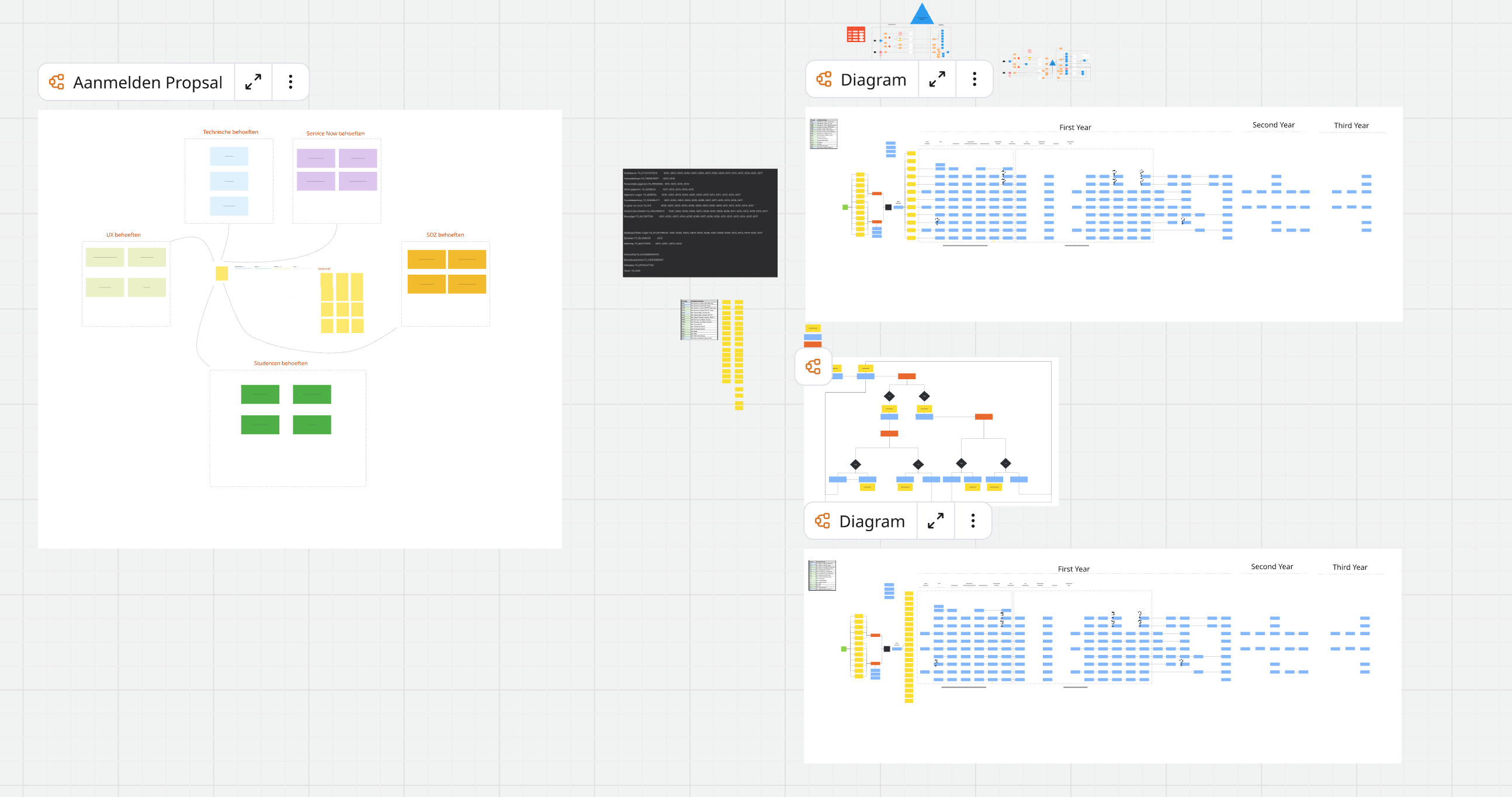
Discover Phase
2
Define
Analyzed the quantitative inputs and confirmed students' pain points
Mapped each student's different journey throughout their academic years
Aligned 'Must do' steps with students' timeline throughout their study
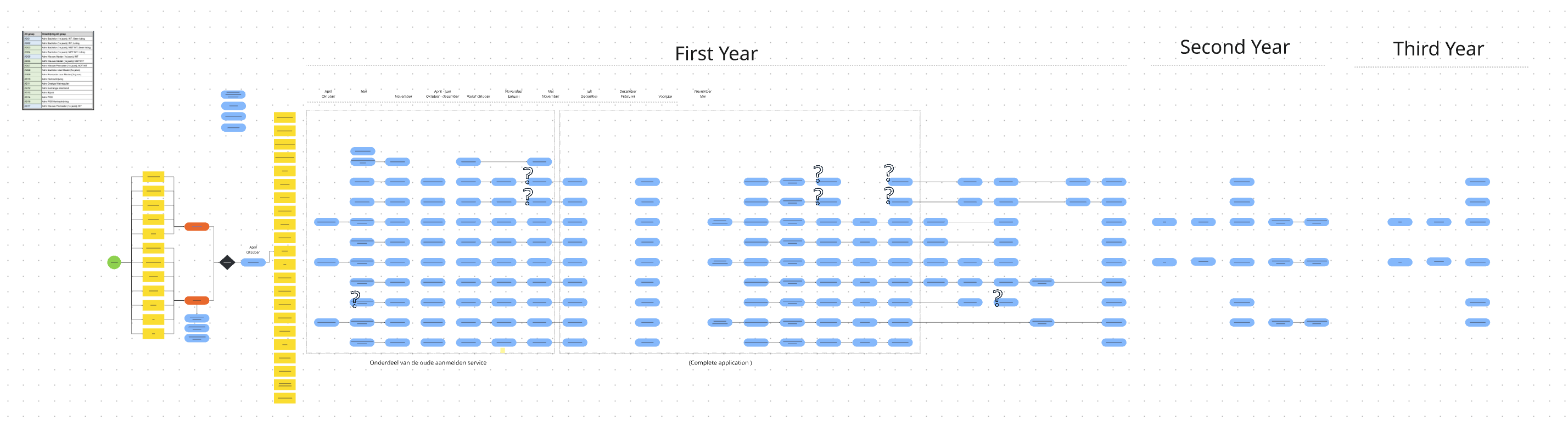
Define Phase
3
Design
Brainstormed ideas and solutions for each user need
Created initial prototypes and sketches based on research findings
Created wireframes and mockups for key dashboard features
Designed different versions
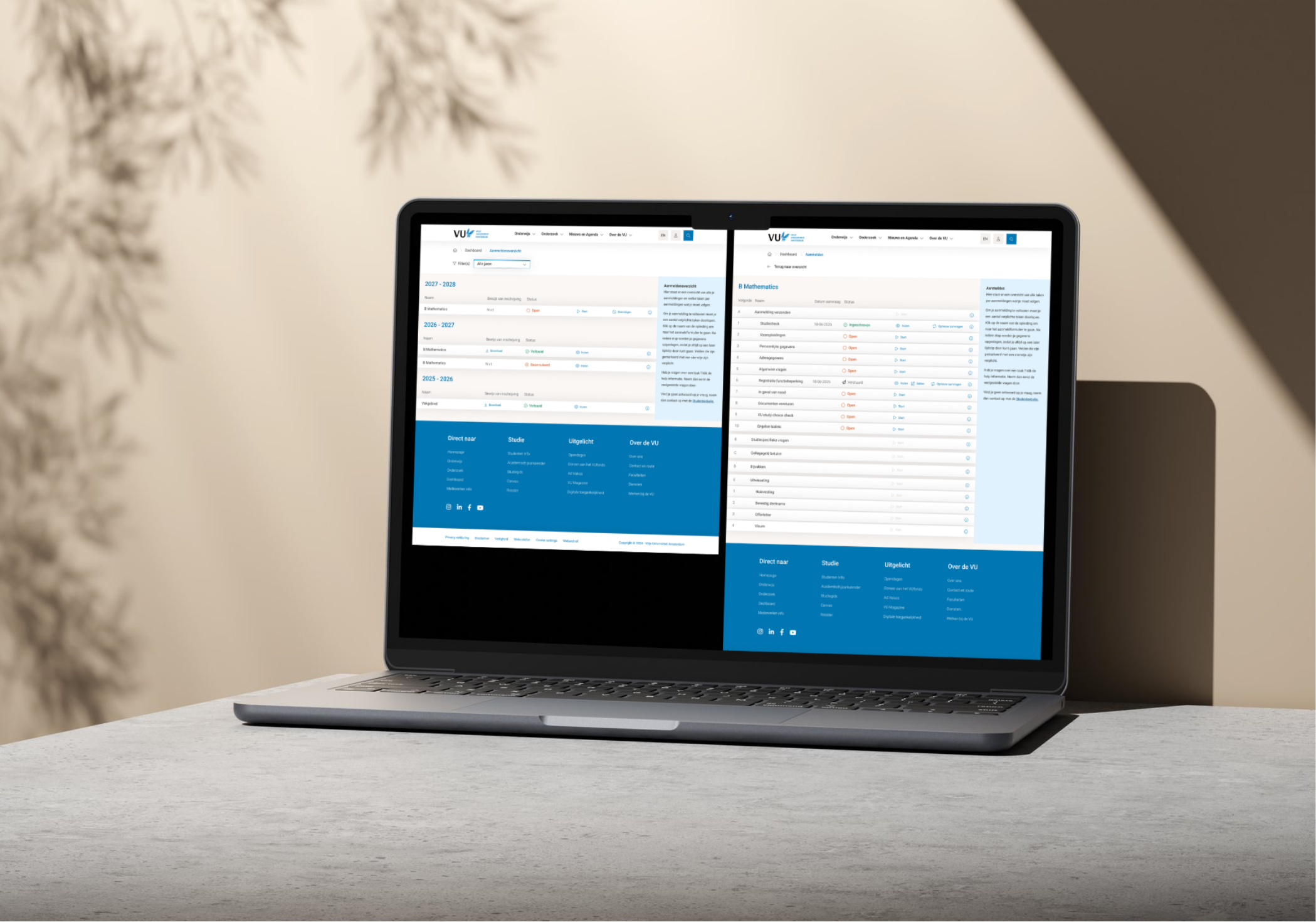
Design Phase
4
Test
Presented the solution to the stakeholders and gathered feedback
Discussed findings and potential iterations with the team

Test Phase
5
Deliver
Created final designs and a click-model for development team
Created design components and reusable elements
Held demos to update and include development teams
Gave presentations to different stakeholders
Deliver Phase

Impact & Results

Improved Student Satisfaction By aligning the portal with student needs through stakeholder meetings and surveys, satisfaction increases, fostering a more supportive academic environment.
Enhanced Efficiency By making efficiency a priority, the portal cuts down the time students spent looking for resources, freeing them up to focus on learning and development, which in turn improves their academic performance.
Streamlined Workflows By optimizing the student journey, the portal reduces bottlenecks and improved task completion rates, leading to a more efficient and productive academic experience.
Better Resource Access and Centralized Information Improve resource accessibility by providing an intuitive, centralized platform. This enhancement allowed students to quickly locate essential materials, fostering a more efficient and productive learning environment.

Before and after

Before - Old Portal
Outdated, not user-friendly design
Fragmented IT landscape services and steps
Scattered self-service tools
Time wasted hunting for tools and other steps
Inefficient design and usage of space
After - New Portal
Automated unified workspace
Centralized tools and services
Feasible and clear student journey
Saves time by providing quick access to essential tools
Efficient design and effective use of negative space